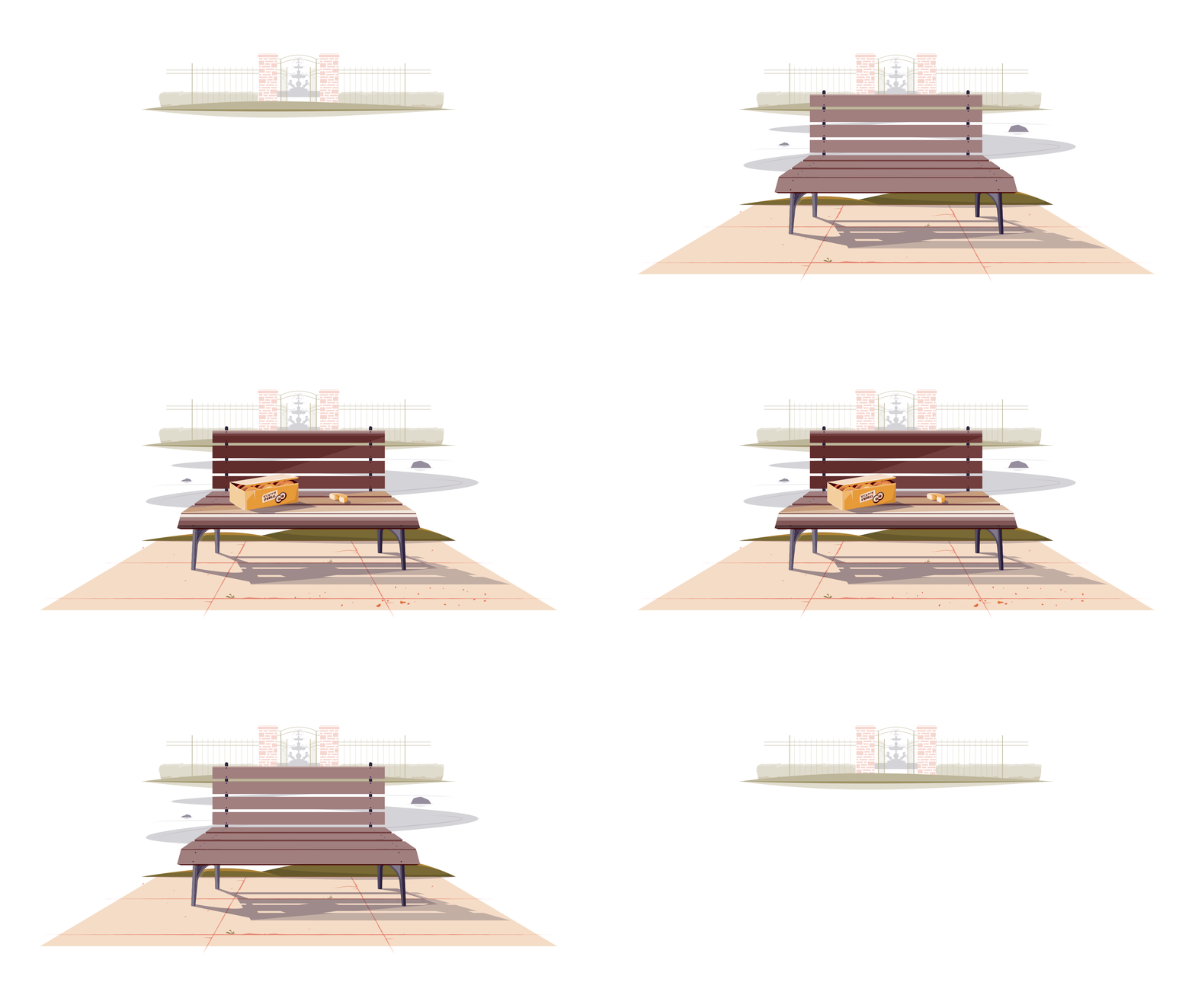
This is another project that started out during my personal live streams that ended up being a really useful Adobe Live Pro Tips stream. I’ve been asked numerous times if I’d ever cover how I add shading to my illustrations, and while I do show the process during my streams, I know it’s not the condensed tutorial format folks are looking for. So during this Adobe Live I took the base art for the scene in flat color and went through the technical ways how to add shadows and highlights, as well as the logic behind where to add then depending on your light source.
Final Art
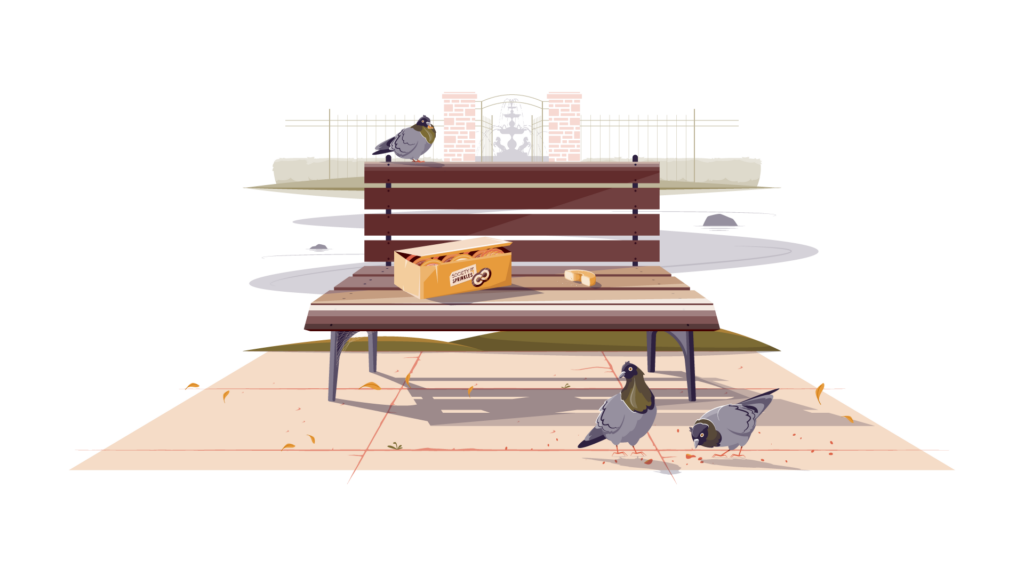
The final art is a slice of life style landscape. I think of this one as a more editorial illustration, something that could accompany a larger story. It definitely sets the scene as a mystery for the viewer to interpret in their own way.
Color Palette

Sketches & Notes
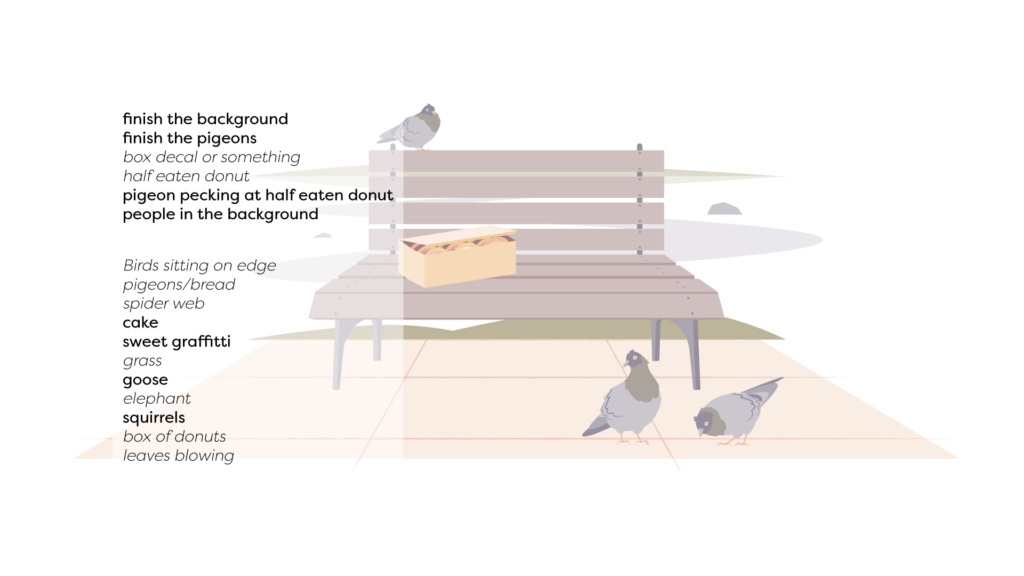
I followed my typical process for the most part, although I did start right in flat color instead of a line art sketch. The chat as always provided suggestions along with my own personal notes, and I picked from that list for the final art.