Illustrator Creative Challenges. December 2022

Below you’ll find a collection of all of the Illustrator Creative Challenges on Adobe Live from November 28–December 9-2022. The starter files, videos, and final art are included, if you want to create along with me!

Design an Enamel Pin

Logo Challenge; Create a simple logo and then convert it to a realistic mockup of an enamel pin.

Adobe Illustrator Challenges 1, enamel pin. Design on the left, mock-up on the right, against a maroon background. Cold brew coffee container abstract, simplified, blue interior, liquid coffee at the bottom.

Create a Monogram

Typography Challenge; Use embellishments, custom styles, shadows, and more to create an ornate monogram inspired by the art deco style.
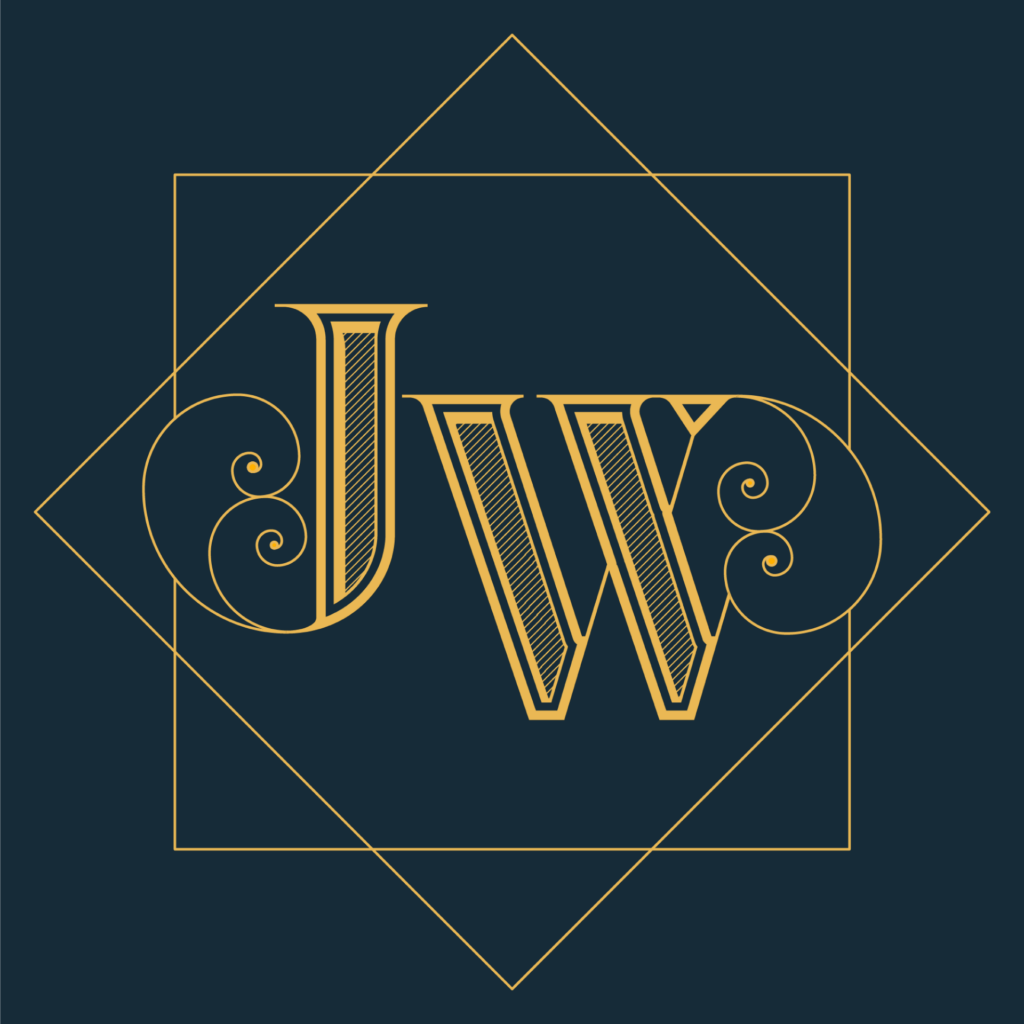
Adobe Illustrator Challenges 2, JW monogram. Gold monogram text design with hatched lines inside serif letters, spiral accents framed by gold box and diamond against a dark blue background.

Holiday Recipe Card

Typography Challenge; Design a holiday inspired card by finding the perfect type pairings and applying a unique color scheme to your favorite recipe!
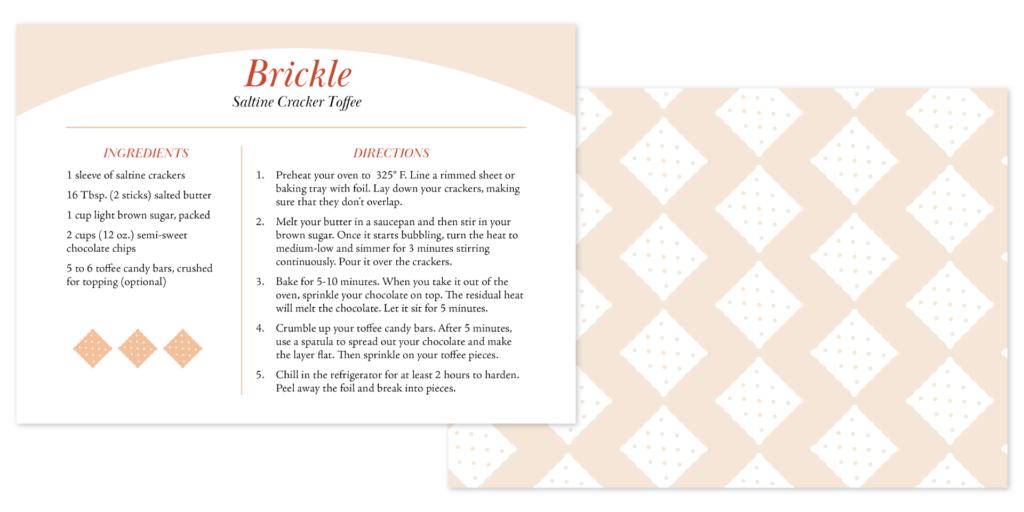
Adobe Illustrator Challenges 3, Brickle, saltine cracker toffee, recipe card. Red and peach motif, front of the card on the left contains recipe in serif type with saltine cracker icon. Back of card on the right has a peach pattern of white saltine crackers.

Making a Snowflake Ornament

Foundations Challenge; Use transform and repeat tools to create custom snowflake ornaments for the holiday season! Apply drop shadows, effects, and custom colors to create your own ornament.

Adobe Illustrator Challenges 4, ornaments. Left, green snowflake ornament. Middle, snowflake ornament in purple, orange, navy blue, and yellow. Right, pink snowflake on a large round blue ornament.

DIY Gift Tags

Marketing Challenge; Design labels that you can write on for your holiday gifts. Use the blend tool, pen tool, custom colors, and more to create the perfect gift tag.
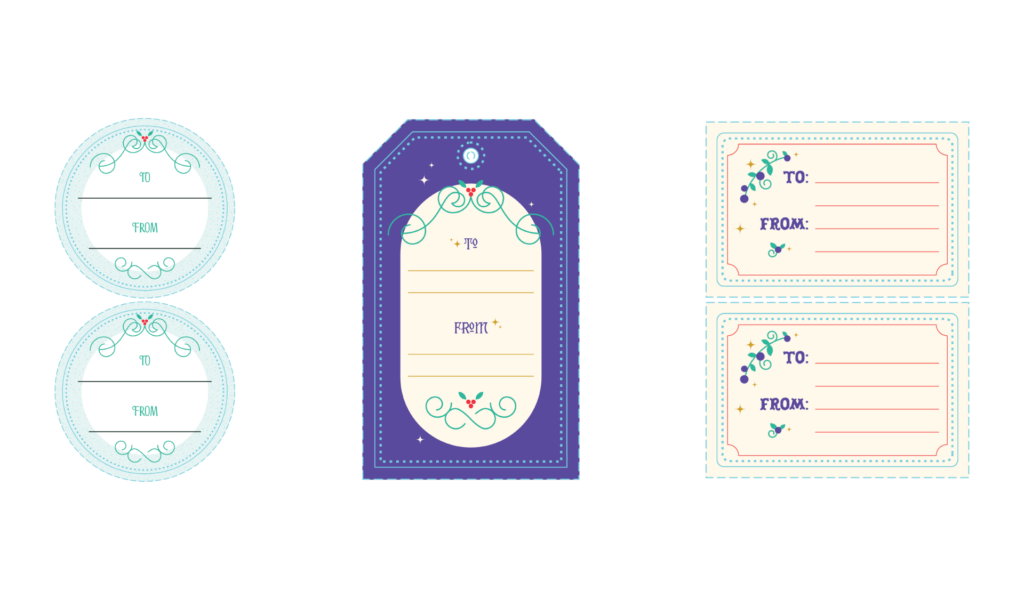
Adobe Illustrator Challenges 5, gift tag. Left circle tags with green holly accents. Middle purple rectangle tag with holly accents. Right rectangle tag with red linework and purple sugar plub accents.

How to Share for Review

Foundations Challenge; Create your own labyrinth in Illustrator and then use share for review to allow others to draw their solution!
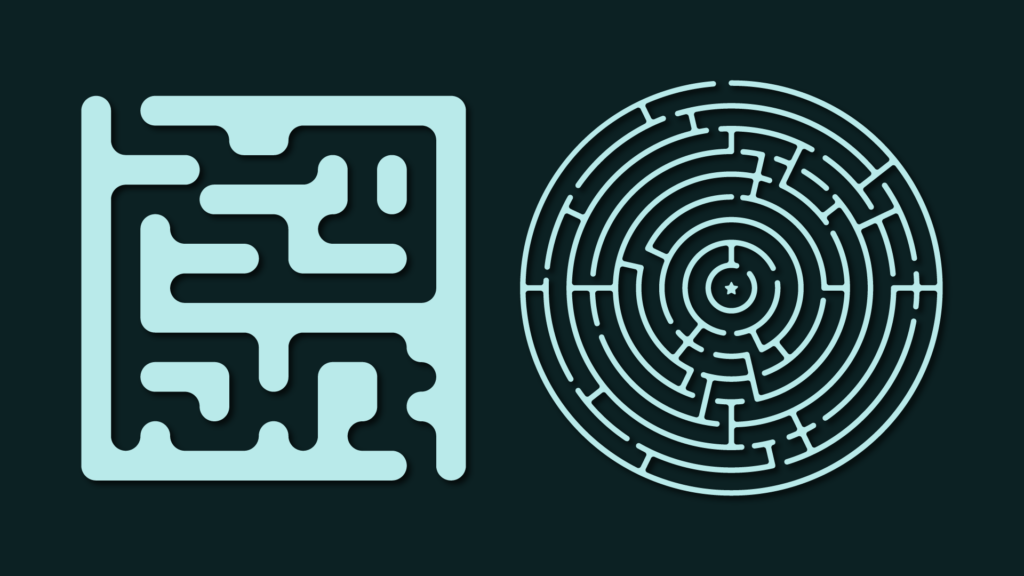
Adobe Illustrator Challenges 6, maze. Left rectangle teal maze, right circle teal maze, both on a dark green background.

Create a Custom Avatar

Illustration Challenge; Use simple shapes and shading techniques to create a custom avatar for your Behance profile or other social media platforms!

Adobe Illustrator Challenges 7, avatar selfie. Self portrait, flat, stylized, brown hair, purple glasses, smiling, green shirt.

How to Create a Style Guide

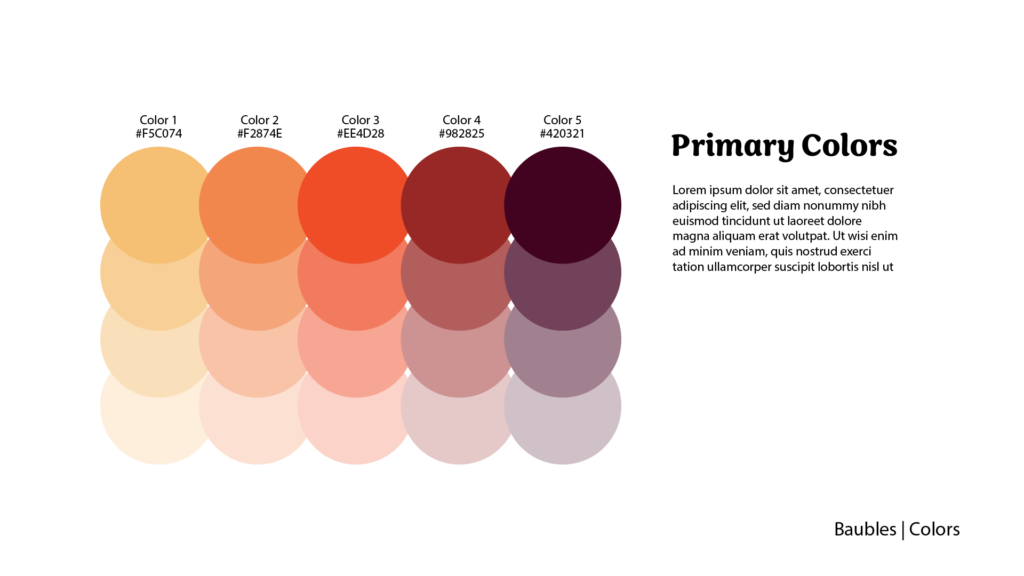
Branding Challenge; Create a basic branding style guide that includes brand fonts, colors, and templates.
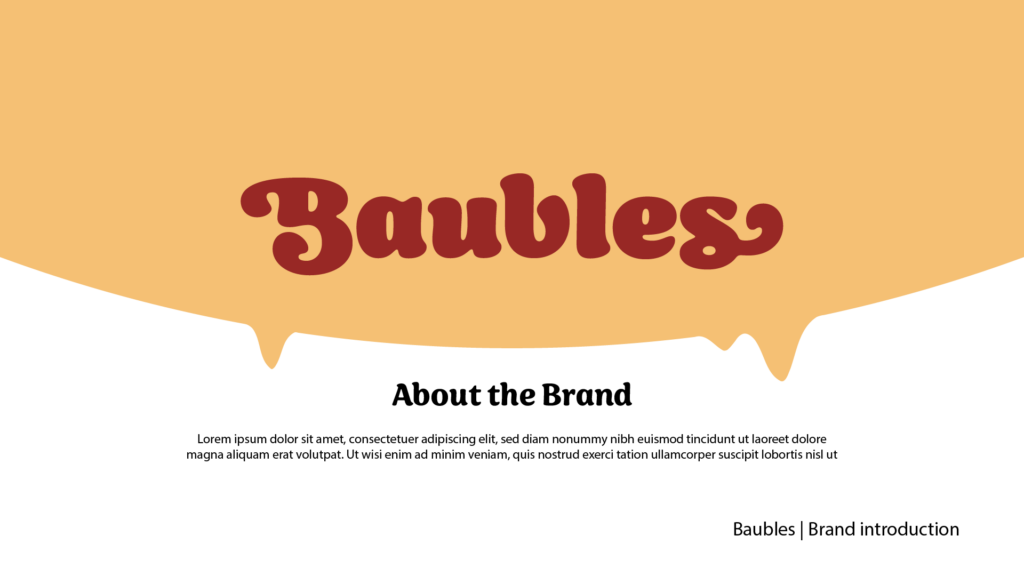
Adobe Illustrator Challenges 8, Baubles brand guide. About the brand with placeholder text.
Adobe Illustrator Challenges 8, Baubles brand guide. Primary colors with placeholder text. Color palette, yellow, orange, red, brown, purple.
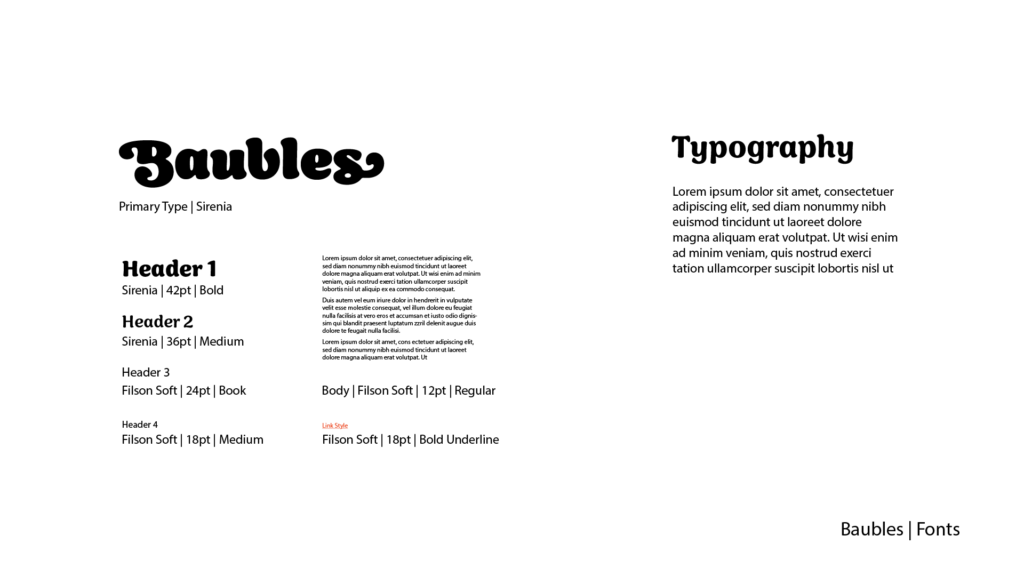
Adobe Illustrator Challenges 8, Baubles brand guide. typography, primary type, Sirenia. Headers 1, 2, , and 4, body copy, and link style.
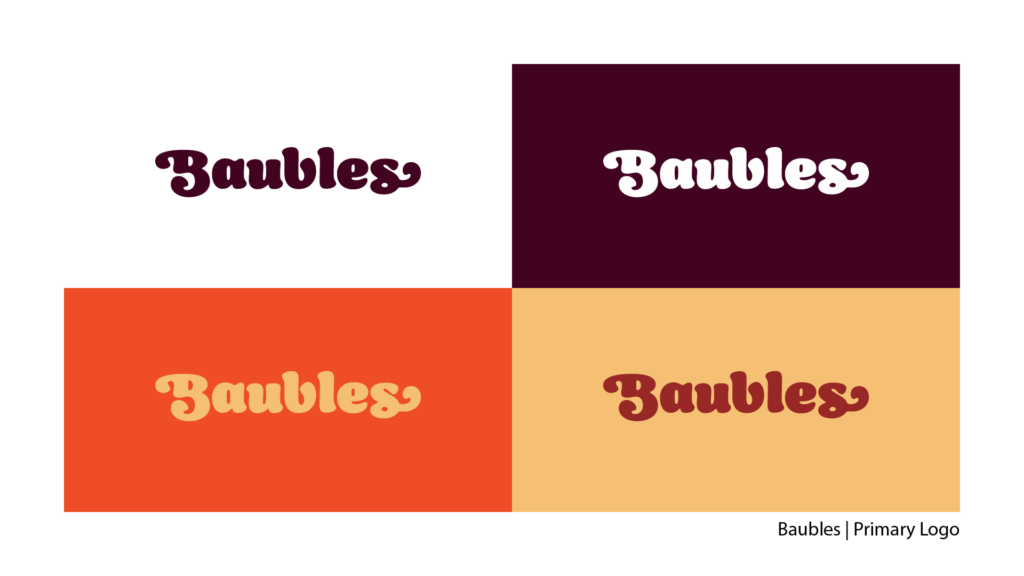
Adobe Illustrator Challenges 8, Baubles brand guide. Logotype variations, from top left to bottom right, brown type on white background, white type on brown background, yellow type on orange background, orange type on yellow background.

Design a Book Cover

Typography Challenge; Use the Touch Type tool and opacity masks to create a book cover inspired by cutouts and silhouettes.
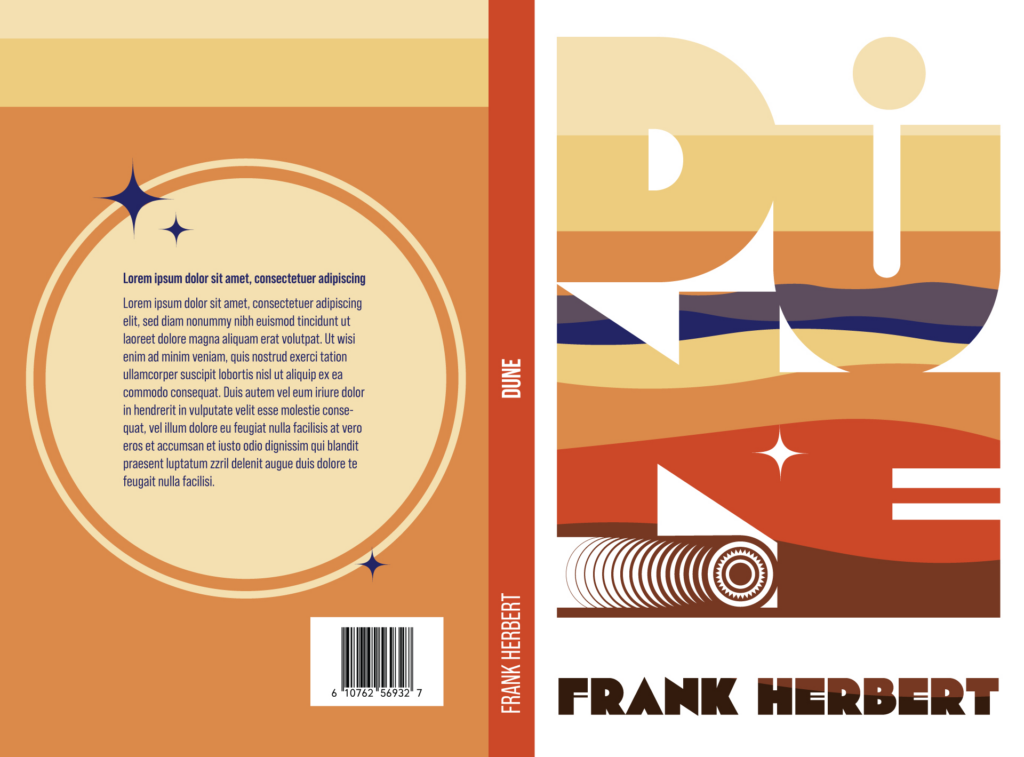
Adobe Illustrator Challenges 9, Dune book cover design. Large text with a landscape of yellow, oranges, and purple masked inside the text. Sandworm at the bottom above author name Frank Herbert.

Challenge Recap

A community livestream where we celebrate your work with live Q&A!