
Illustrator Creative Challenges. July 2022

Below you’ll find a collection of all of the Illustrator Creative Challenges on Adobe Live from July 18–July 28, 2022. The starter files, videos, and final art are included, if you want to create along with me!

Level Up Your Livestreams

Marketing Challenge; Customize your livestream by designing your own camera frames, backgrounds, and more!
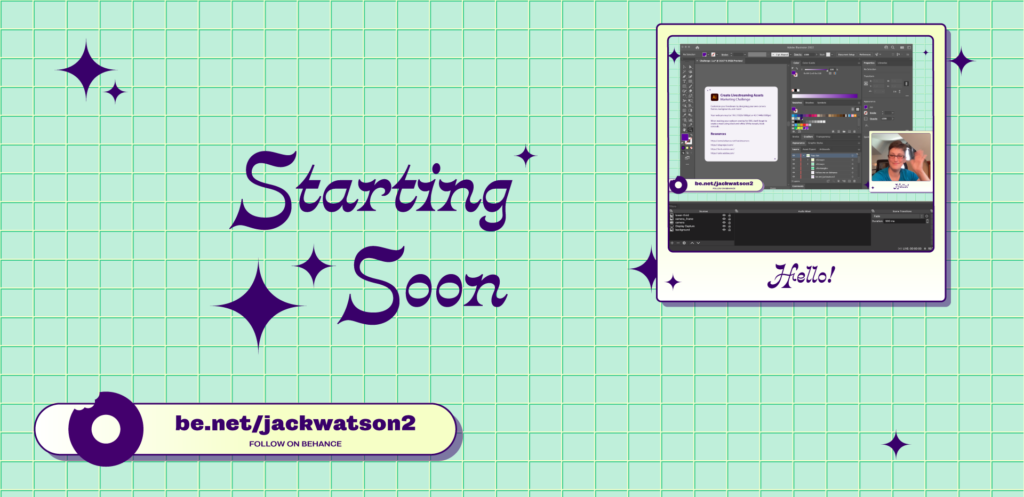
Adobe Illustrator Challenge 1, stream graphics. "Starting soon" text in purple surrounded by sparkles. Background teal grid. Bottom lower thirds design, rounded rectangle and donut icon. Right side mock-up showing screen layout.

Create Your Own Constellation

Illustration Challenge; Design your own constellation by using gradient mesh, overlays, opacity, and freeform gradient tools.
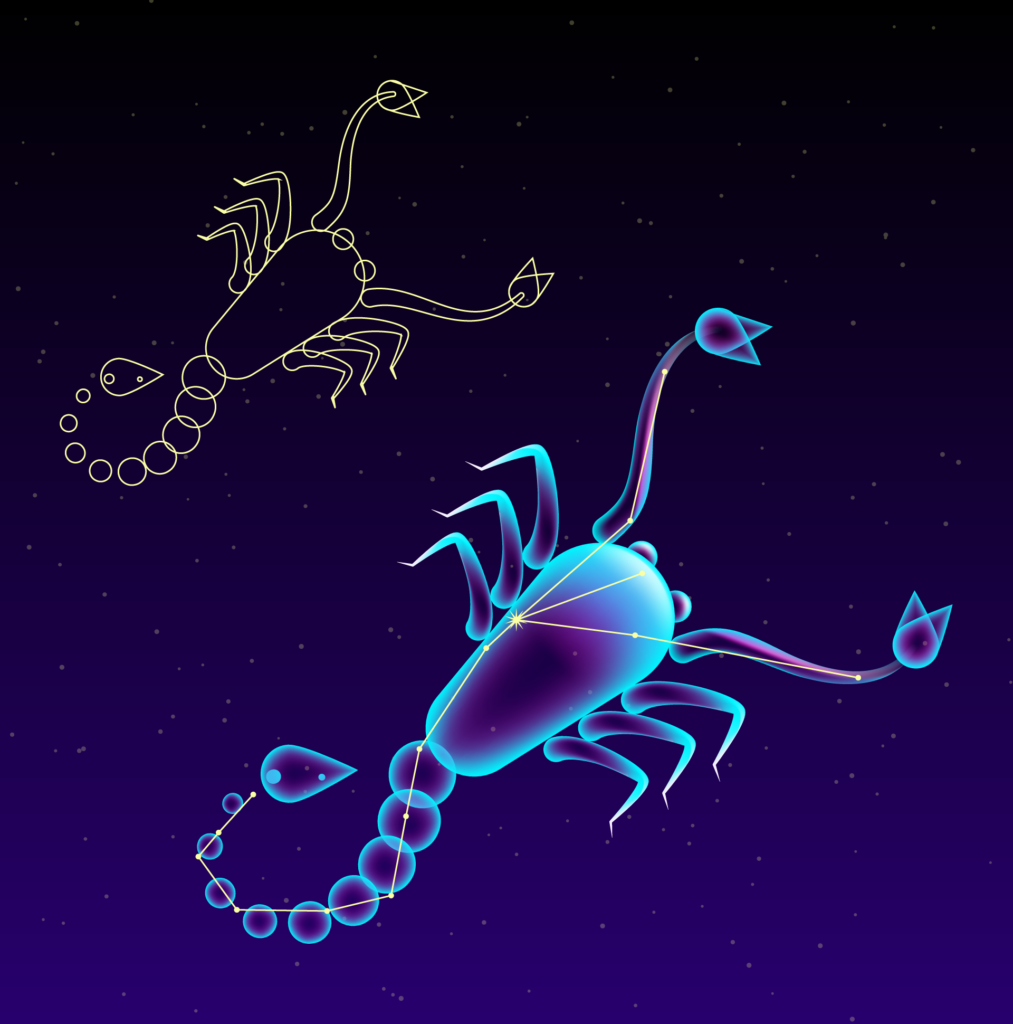
Adobe Illustrator Challenge 2, constellations. Dark night sky with Scorpio constellation in yellow line with teal and purple gradient overlay overtop.

Dimensional Typography

Typography Challenge; Use the perspective grid tools to create an event poster that jumps off the page.
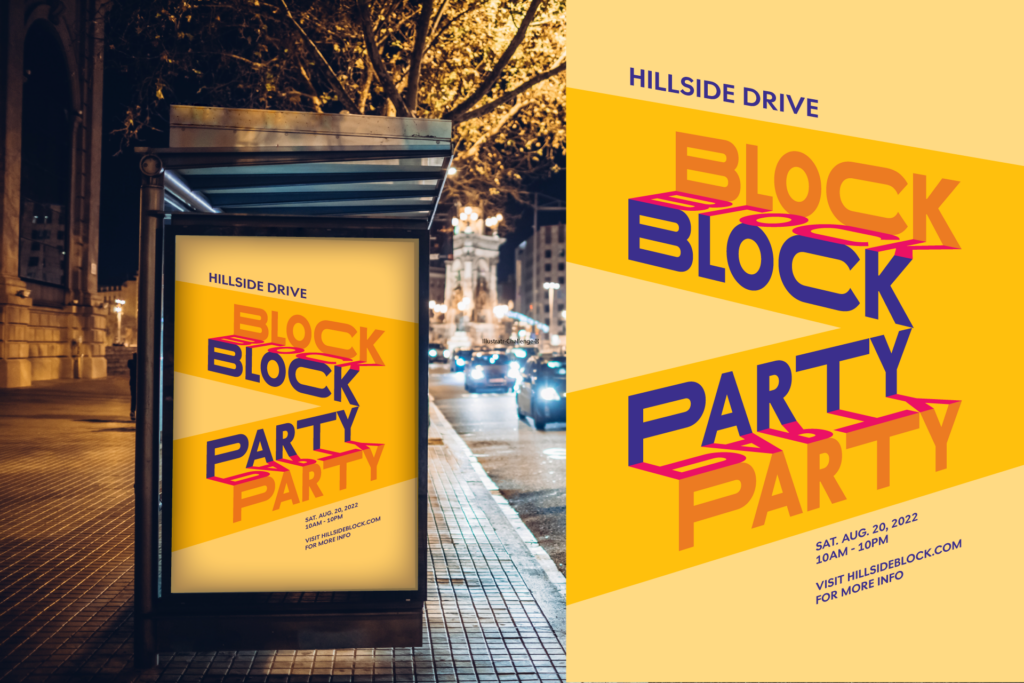
Adobe Illustrator Challenge 3, type poster. Yellow poster with "block party" orange, pink, and purple text in perspective. Hillside Drive, Sat. Aug. 20, 2022, 10AM-10PM. Visit Hillsideblock.com for more info in purple. Design on the right, mock-up on bus stop poster on the left.

Creating Custom Icons

Branding Challenge; Create a set of simple icons with clear visual communication by using the pathfinder and shape tools.

Adobe Illustrator Challenge 4, weather icons. Left to right, icon grid, sunny, thunderstorm, rainbow clouds, windy clouds, and snow. Purple, white, yellow, and blue icons.

From Logo to Pattern

Logo Challenge; Design a custom pattern featuring your company logo. Then, use this pattern on mockups to wrap a vehicle or create a mini brand guide.
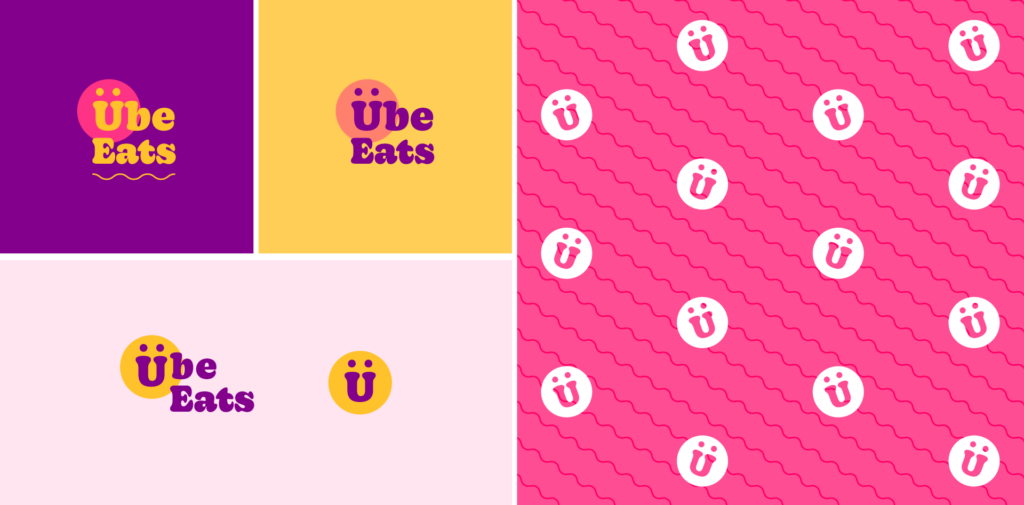
Adobe Illustrator Challenge 5, branding grid. Ube Eats logo. Top left yellow and pink logo on purple background. Top middle Purple and orange logo on yellow background. Bottom left Purple and yellow full logo lock-up and logo mark on light pink background. Right pink and white logo mark pattern .

Chalkboard Effects

Illustration Challenge; Use custom brushes and textures to create a custom menu that appears to be written in chalk.
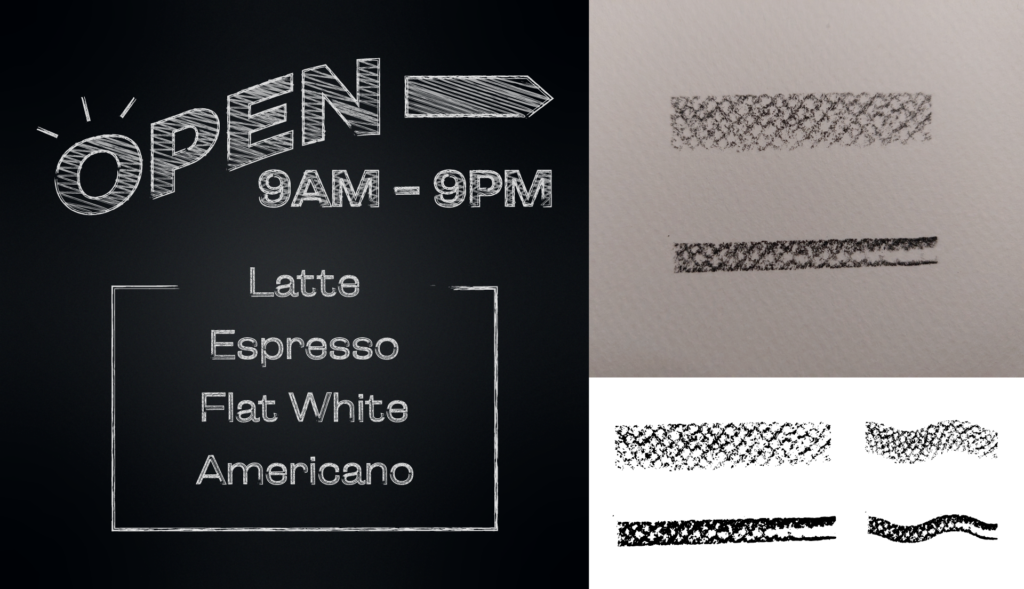
Adobe Illustrator Challenge 6, chalkboard type. Left side chalkboard sign, "open 9am-9pm, latte, espresso, flat white, americano" white chalk type on dark background. Left chalk brushes, top original sketch, bottom image traced brushes.

Lighting for Beginners

Foundations Challenge; Learn the basics of illustrating using lighting. Discover your own process by using gradients and light adjustment tools.
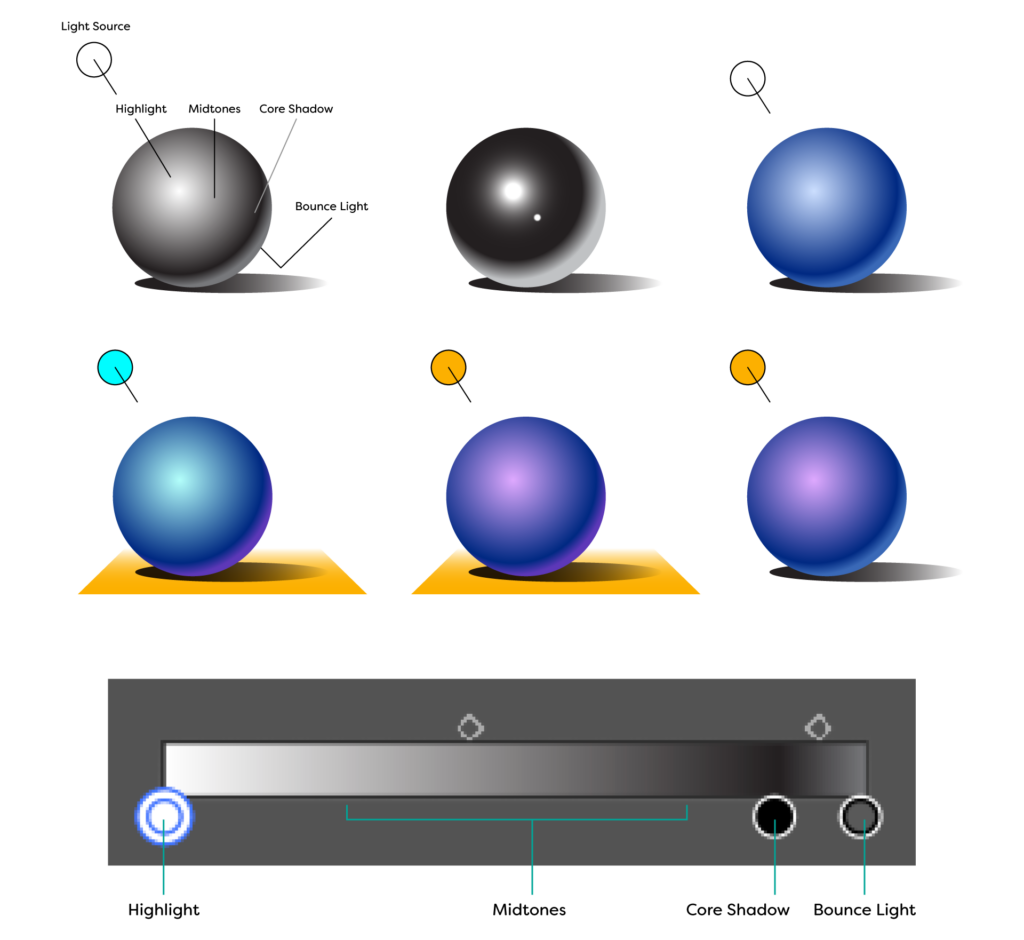
Adobe Illustrator Challenge 7, shading. Top left original sphere diagram, light source, highlight, midtones, core shadow, bounce light. Top row metallic and matte spheres. Bottom row 3 spheres, left cool light on warm surface, middle warm light on warm surface, right warm light no surface. Bottom gradient diagram in illustrator showing placement of highlight, midtones, core shadow, and bounce light.

Logo Illusions

Logo Challenge; Combine typography and iconography to create a logo with a subtle or hidden image.
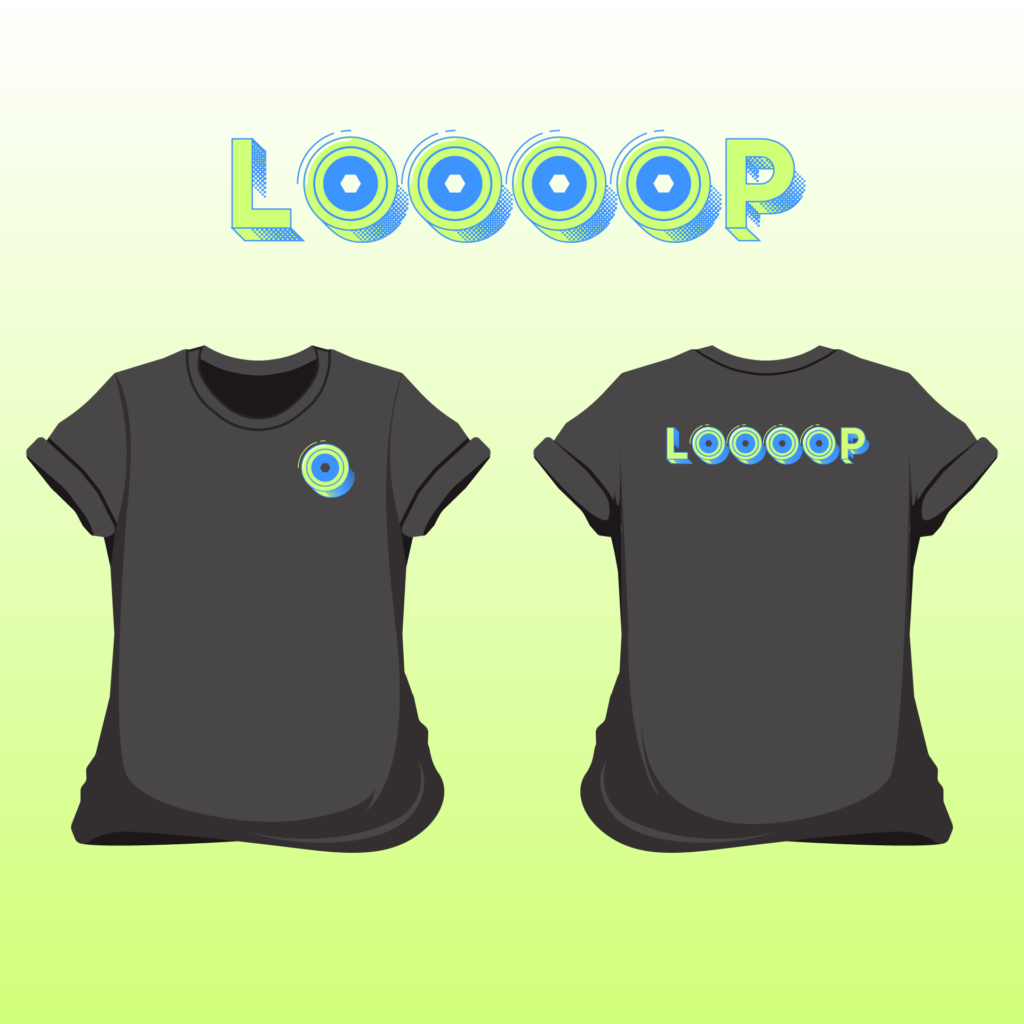
Adobe Illustrator Challenge 8, Logotype. Loooop rollerblade logo, skatewheels for "O's" green and blue type with halftone patterns. Bottom front and back shirt mock-up, dark shirt with logo mark on the front, full logo type on the back.

How to Export Files

Foundations Challenge; Create an event invite and learn how to export with the right resolution and color profile using RGB, CMYK, and screen modes.
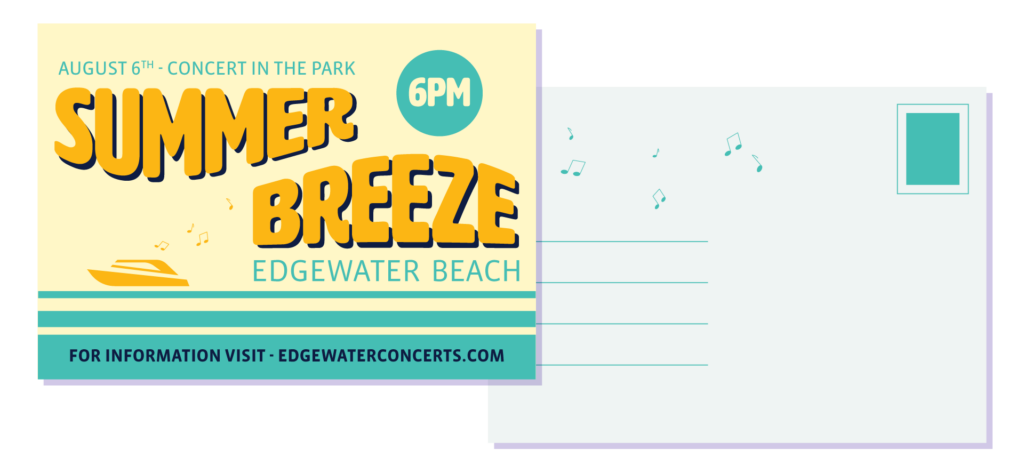
Adobe Illustrator Challenge 9, postcard. Summer Breeze warped yellow and purple text, 6pm inside of a teal sun, yellow and teal background, yellow boat, teal waves. Back of post card teal stamp, teal lines for address.

Challenge Recap

A community livestream where we celebrate your work with live Q&A!