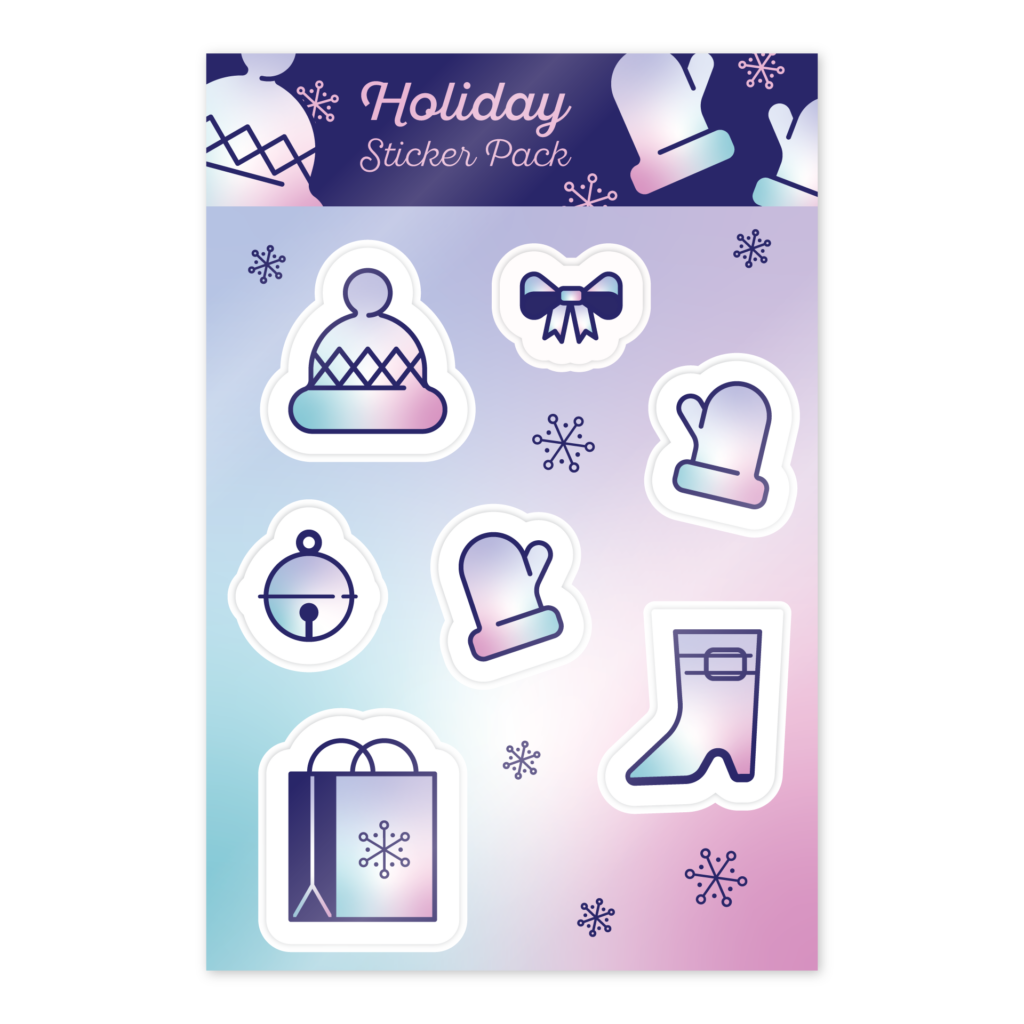
Below you’ll find a collection of all of the Illustrator Creative Challenges on Adobe Live for October 2024. These were all around the holidays so there’s a transition from fall to winter themed content. The starter files, videos, and final art are included, if you want to create along with me!
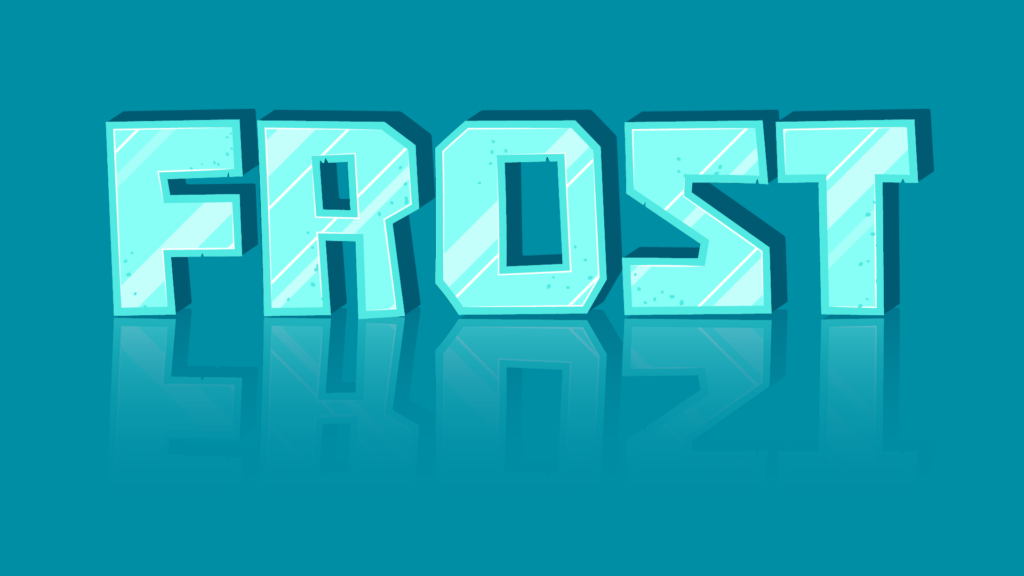
Masking with Type
Skills Challenge; Create type designs using clipping masks and opacity masks on text while learning different use cases for the types of masks in Illustrator.
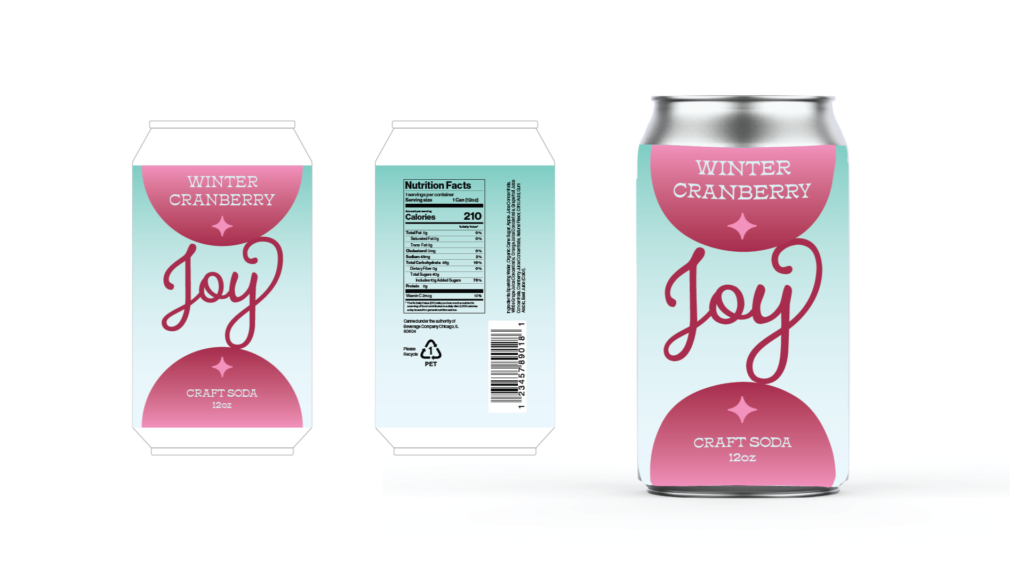
Custom Can Packaging
Marketing Challenge; Design a custom beverage label that can be used for print and mock-ups with simple shapes, gradients, and type.
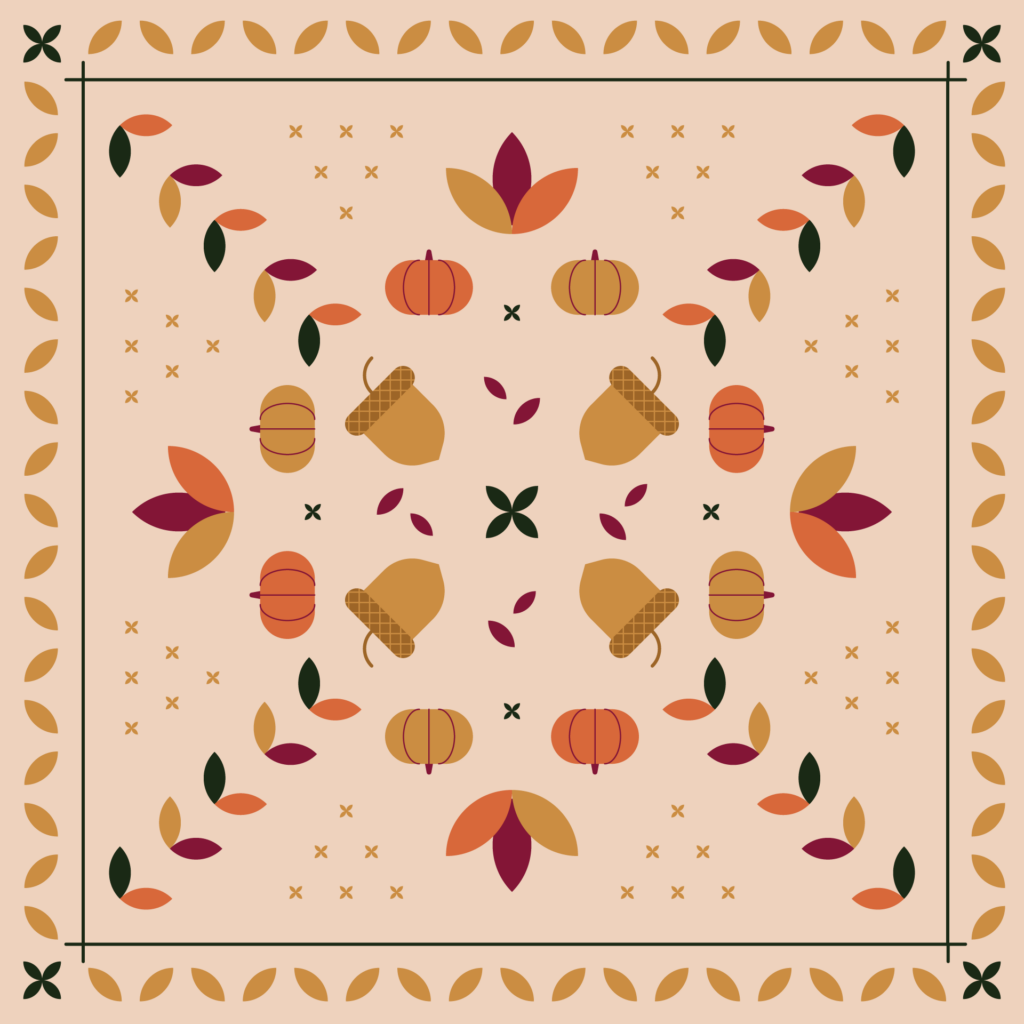
Bandana Design with Symmetry
Skills Challenge; Use the repeat tools to easily create a symmetrical bandana design. Keep your file organized using the selection tools to easily edit similar assets.
Parade Floats
Illustration Challenge; Use Illustrator’s 3D effects to extrude and inflate your own holiday parade floats.

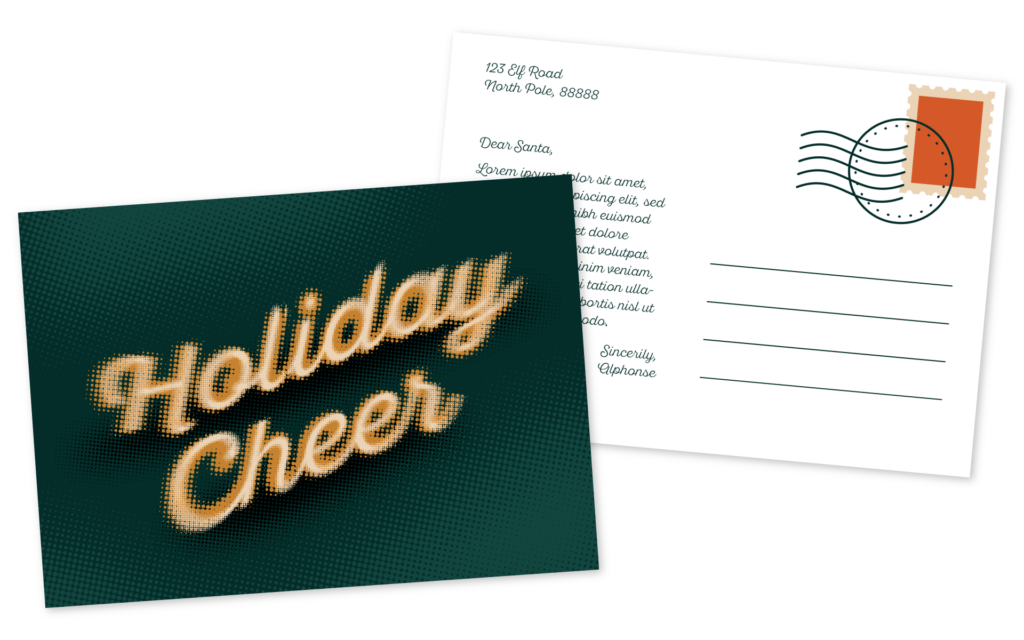
Halftone Type
Illustration Challenge; Create a fully editable halftone effect with type using gradients and the appearance panel to stack multiple effects.
Holiday Sticker Pack
Typography Challenge; Create a holiday sticker pack using simple shapes and a consistent color palette. Use an offset path to create cut lines. Reuse elements to add a header to brand your sticker sheet.