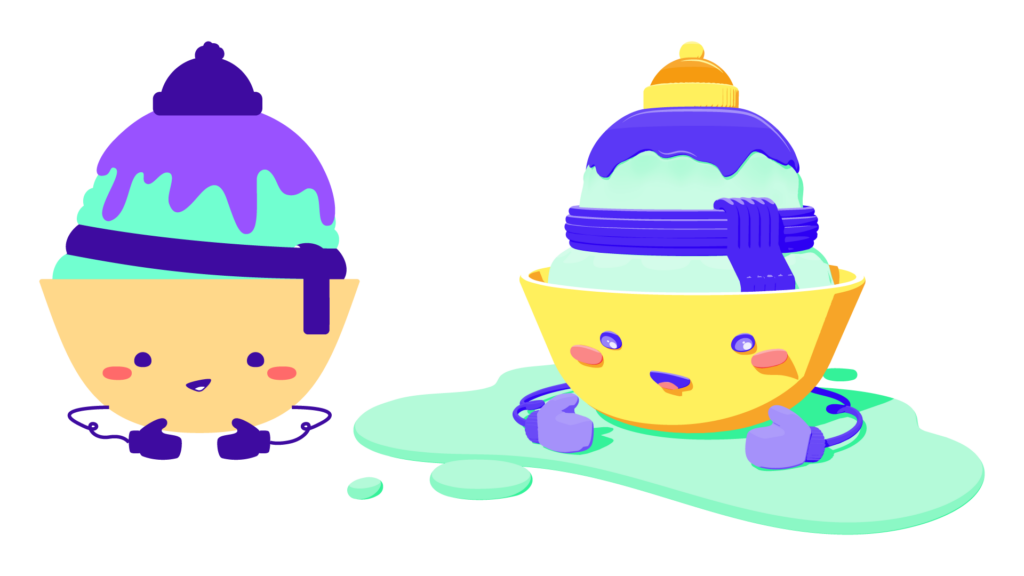
This was my first time working in Project Neo. I had worked in 3D before and found it to be quite frustrating, so I was looking forward to Adobe coming out with Project Neo as an alternative to traditional 3d apps. Overall I learned a lot with this project and feel like it was pretty easy and familiar to work with. I really like that Project Neo has options for different styles including an SVG export back to Illustrator. It was also a lot of fun to really explore character design and a really abstract character.
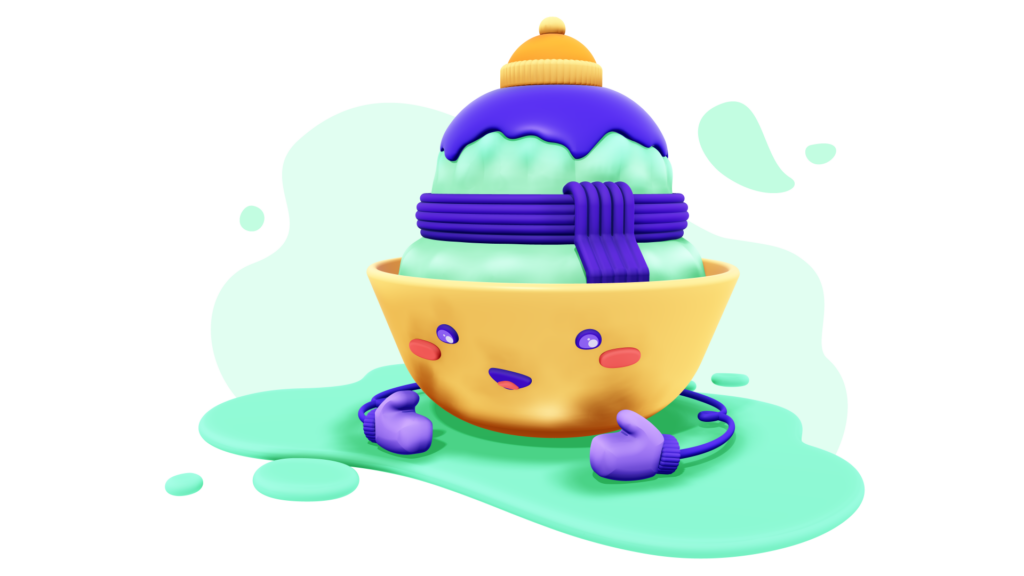
Final Art
Sketches
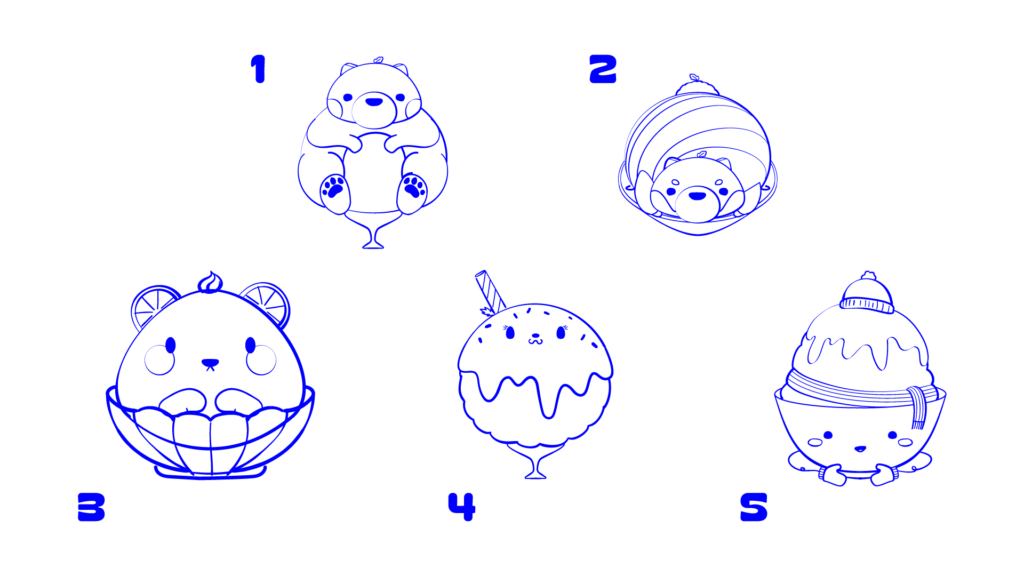
I decided I wanted to do a food character, of course, and started out by sketching a variety of characters that started out more as animals, and gradually got more and more abstract. The first three are all bears basically, and the last two more traditional style bingsu. I ended up liking the last one I created the most. The 5th design I thought conveyed the idea of bingsu the best and gave me the most options for exploring expressions with the arms.
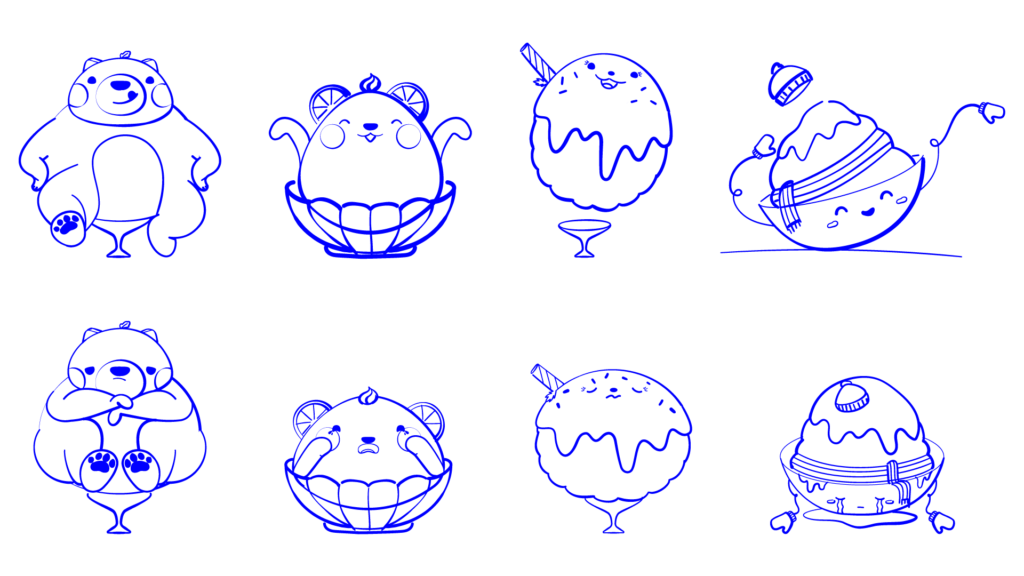
The next step was to create expression sketches or studies from the original characters to test how they hold up and whether they convey different expressions well. honestly I think any of them could work but again, the last design ends up being the most expressive by design, while the others had different limitations.
Turnaround
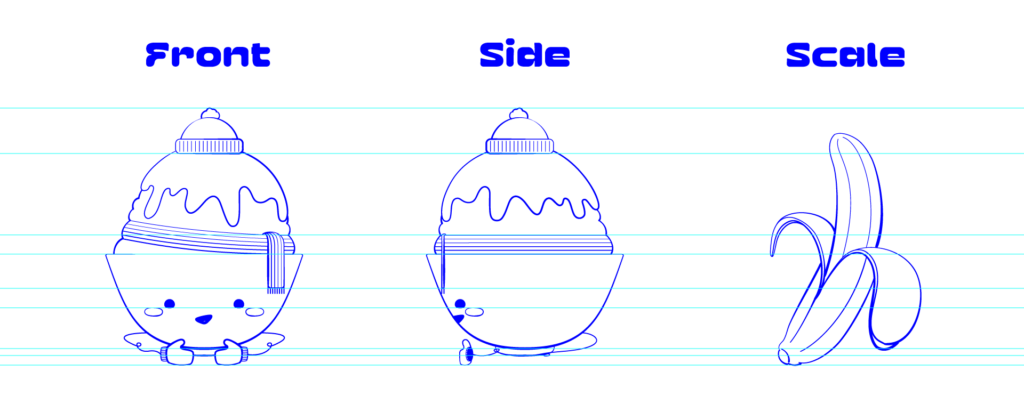
Since I knew this project was going to be 3D, either Blender or Project Neo, I needed to see the character from multiple sides to get an idea of volume and scale of all of the elements. I used guidelines to ensure the front and side elements all lined up for consistency. The scale is really just for fun here since this character doesn’t really live in the context of an environment or larger illustration where scale is important.
Color
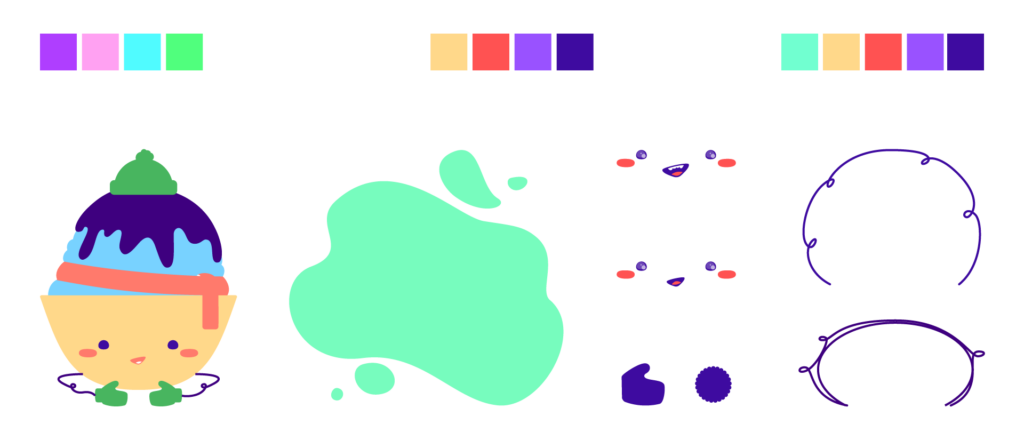
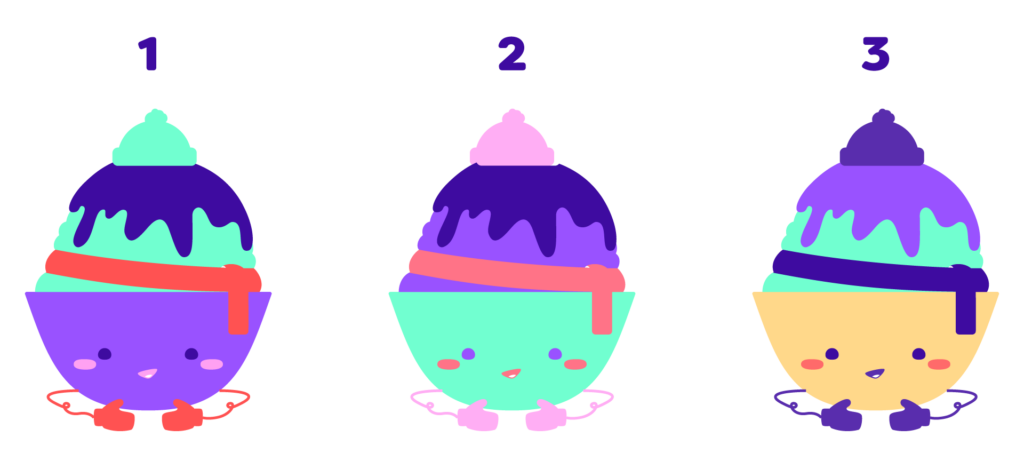
I wanted bright vibrant colors but also pastels with the design so I explored three pretty similar color palettes. I also made a more refined flat color vector of the character to create color test for each of the color palettes. Project Neo has the ability to import SVGs which meant I could create the more custom shapes I needed in Illustrator flat, and bring them in and extrude them in 3D.
Final Outputs
Project Neo has the ability to create different styles, and also export out videos of camera animations. This gives a really cool view of the full design of the character in 3D that you wouldn’t get with a static render.
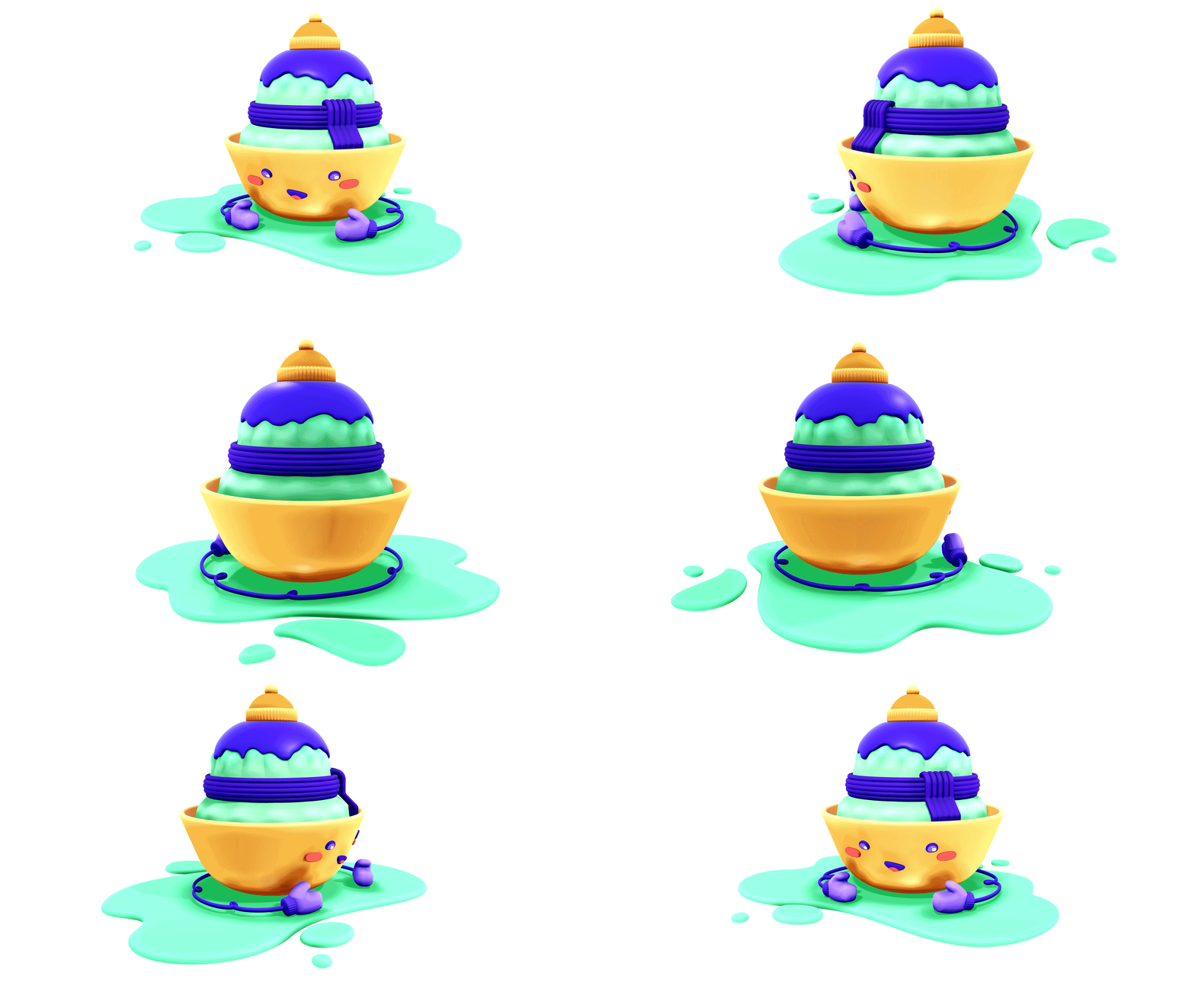
I also really enjoyed that I could take the exported vector SVG from Project Neo back into Illustrator. Here’s a side-by-side comparison of the original vector of the character and the SVG imported from Project Neo. If I wanted to, I could then make further changes to the export in Illustrator and incorporate it into a larger design.